-
ReactJS Hooks Introduction
-
React Hooks changed the way developers write React applications. Before Hooks were introduced, managing state and lifecycle logic required class components. Hooks made it possible to use these features directly inside functional components, leading to cleaner, simpler, and more reusable code.
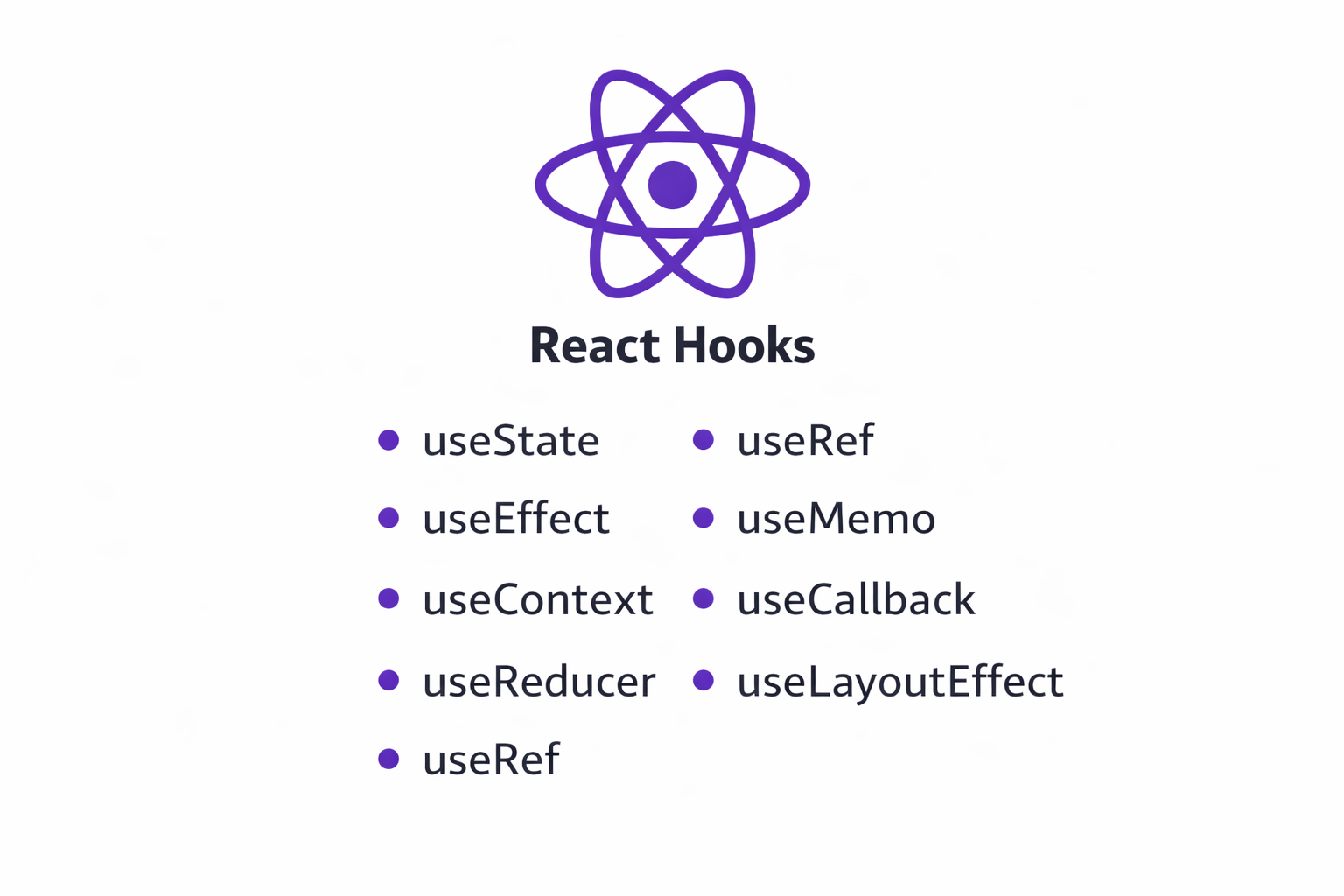
In this lesson, we will see what React Hooks are, why they were introduced, the rules you must follow, and how Hooks compare to class components, with easy-to-understand examples.
What are React Hooks?
React Hooks are special functions that allow functional components to use React features such as state, lifecycle behavior, and context.
React Hooks were officially introduced in React version 16.8 on 6 Feb, 2019.
Before Hooks, functional components were mostly used only to display UI. With Hooks, functional components can now:
- Manage state
- Perform side effects
- Access lifecycle-like behavior
- Share logic across components
Most importantly, Hooks did not break existing code.
Class components continued to work exactly as before.
Why Were Hooks Introduced?
Before Hooks, React developers faced several challenges.
Problem 1: Complex Class ComponentsAs applications grew, class components became large and hard to manage.
Problem 2: Logic Reuse Was Difficult Reusing logic across components required patterns like:
Lifecycle methods often contained unrelated logic mixed together.- Higher Order Components (HOCs)
- Render props
These patterns worked but made code harder to read and understand.
Problem 3: ConfusingthisKeywordClass components rely heavily on
this, which often caused confusion, especially for beginners.
How Hooks Solved These Problems
Hooks:- Simplified state management
- Removed the need for class syntax
- Enabled logic reuse through custom hooks
- Made code easier to read and test
- Encouraged smaller, focused components
Basic Example: State Without Hooks vs With Hooks
Before Hooks (Class Component)
With Hooks (Functional Component)class Counter extends React.Component { state = { count: 0 }; increment() { this.setState({ count: this.state.count + 1 }); } render() { return ( <button onClick={() => this.increment()}> Count: {this.state.count} </button> ); } }function Counter() { const [count, setCount] = React.useState(0); return ( <button onClick={() => setCount(count + 1)}> Count: {count} </button> ); }Same functionality, but the Hook-based version is:
- Shorter
- Easier to understand
- Free from class syntax
Rules of Hooks
Hooks follow strict rules to ensure predictable behavior.
React Hooks follow a strict set of rules. These rules are not arbitrary — they exist to ensure that React can correctly track state and behavior across renders. Breaking these rules may lead to unexpected bugs or runtime errors.
There are three core rules of Hooks. Let’s understand each one in detail.
Rule 1: Hooks can only be called inside React Function Components
Hooks must be used only inside React function components or custom hooks.
They cannot be used inside:- Regular JavaScript functions
- Class components
- Utility/helper functions
import { useState } from "react";

function calculateTotal() {
  const [total, setTotal] = useState(0); // Not allowed
}
This fails because
Correct Usage (Function Component)calculateTotalis not a React component(because it doesn't return HTML).
Here, the Hook is used inside a React function component, which is valid.import { useState } from "react"; function Counter() { const [count, setCount] = useState(0); return ( <p>Count: {count}</p> ); } export default Counter;
Rule 2: Hooks Can Only Be Called at the Top Level of a Component
Hooks must be called directly inside the component body, not inside:
- Loops
- Nested functions
- Event handlers
- Callbacks
Correct Usage (Top Level)import { useState } from "react"; function Counter() { function initialize() { const [count, setCount] = useState(0); // Not allowed } return ( <button>Click</button> ); } export default Counter;import { useState } from "react"; function Counter() { const [count, setCount] = useState(0); // Top level return ( <button onClick={() => setCount(count + 1)}> Count: {count} </button> ); } export default Counter;
Rule 3: Hooks Cannot Be Conditional
Hooks must always be called, regardless of conditions.
They cannot be placed inside:ifstatementsswitchblocks- Ternary operators
- Logical
&&conditions
Correct Usage (Condition Inside Logic)import { useState } from "react"; function LoginStatus({ isLoggedIn }) { if (isLoggedIn) { const [user, setUser] = useState("John"); // Not allowed } return ( <div>Status</div> ); } export default LoginStatus;import { useState } from "react"; function LoginStatus({ isLoggedIn }) { const [user, setUser] = useState("Guest"); // Always runs return ( <div> {isLoggedIn ? <p>Welcome {user}</p> : <p>Please log in</p>} </div> ); } export default LoginStatus;The Hook always executes, while the conditional logic is applied to rendering, not Hook usage.
Hooks vs Class Components
Understanding the difference helps clarify why Hooks are preferred today.
Comparison TableAspect Class Components Hooks (Functional Components) Syntax Uses classkeywordUses functions State Managed using this.stateManaged using useStateLifecycle Multiple lifecycle methods Handled using useEffectthiskeywordRequired Not used Code size More boilerplate code Less boilerplate Logic reuse Complex patterns (HOCs, render props) Reusable via custom hooks
Commonly Used Hooks (Overview)
Some commonly used hooks are:useState– manage component stateuseEffect– handle side effectsuseReducer– manage complex stateuseContext– share data globallyuseRef– access DOM elementsuseMemo– optimize expensive calculationsuseCallback– memoize functions
We will understand these in upcoming lessons.
Summary
React Hooks allow functional components to use state, side effects, and other React features that were previously limited to class components. They were introduced to simplify component logic, improve code reuse and remove the complexity of class-based patterns.
By following the rules of Hooks and understanding how they compare to class components, developers can write cleaner, more maintainable React applications. Hooks form the foundation of modern React development and are essential for building real-world applications.