-
ReactJS useReducer Hook
-
As React applications grow, managing state with
TheuseStatealone can become difficult. When multiple state values are related, or when state updates follow specific rules, code can quickly become hard to read and maintain.useReducerHook solves this problem by introducing a structured and predictable way to update state based on actions.
What Is useReducer?
When a component needs to manage:useReduceris a React Hook that manages state (similar touseState) using a reducer function. It is designed for situations where state logic becomes complex.- multiple related state values, or
- state updates that depend on specific rules
In Short:useReducerbecomes more suitable than useState.
If updating state requires logic or conditions, useReducer is a better choice.
Why Do We Need useReducer?
With
But with useReducer:useState, update logic is usually spread across multiple functions.- all state update logic is written in one place
- updates happen through actions
- behavior becomes easier to understand and maintain
- counters with multiple operations
- scores, carts, forms
- any state that changes in different ways
Importing useReducer
To use
useReducer, it must be imported from React:import { useReducer } from "react";
Basic Syntax of useReducer
const [state, dispatch] = useReducer(reducerFunction, initialState, init);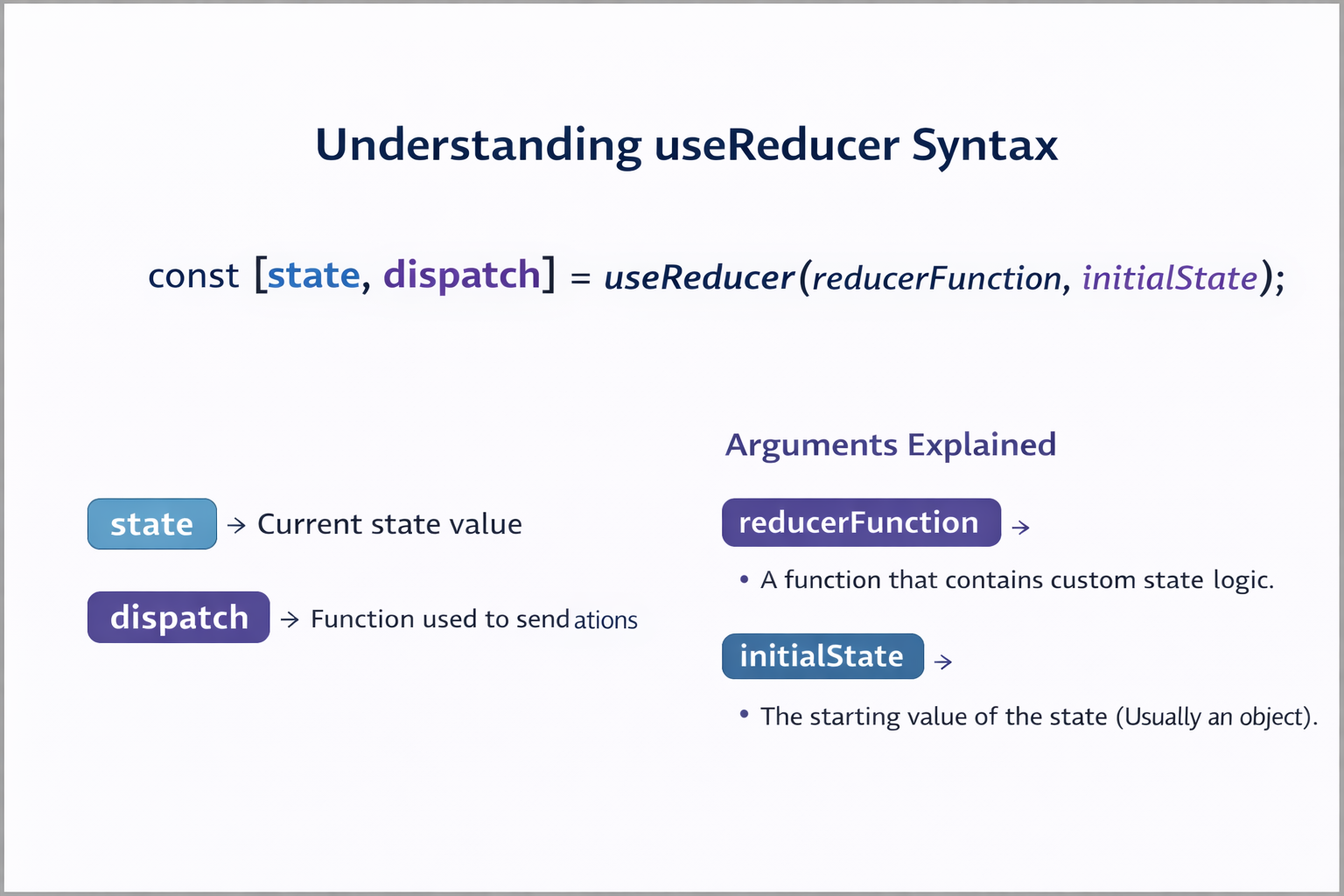
You never update state directly. You dispatch an action, and the reducer handles the update.
Understanding the Reducer Function
A reducer is a pure function that receives:
- the current state
- an action object
function reducer(state, action) {
  switch (action.type) {
    case "increment":
      return { count: state.count + 1 };

    case "decrement":
      return { count: state.count - 1 };

    default:
      return state;
  }
}
What Is dispatch in useReducer?
dispatchis a function provided by React that is used to send an action to the reducer.You do not update state directly when using
useReducer. Instead, you dispatch an action, and the reducer decides how state should change.
Flow:<button onClick={() => dispatch({ type: "increment" })}> Increment </button>- User clicks button
- dispatch sends the action
- Reducer receives (state, action)
- Reducer returns updated state
- UI updates
Example 1: Counter Using useReducer
import { useReducer } from "react";

const initialState = { count: 0 };

function counterReducer(state, action) {
  switch (action.type) {
    case "increment":
      return { count: state.count + 1 };

    case "decrement":
      return { count: state.count - 1 };

    case "reset":
      return initialState;

    default:
      return state;
  }
}

function Counter() {
  const [state, dispatch] = useReducer(counterReducer, initialState);

  return (
    <>
      <p>Count: {state.count}</p>

      <button onClick={() => dispatch({ type: "increment" })}>
        Increment
      </button>

      <button onClick={() => dispatch({ type: "decrement" })}>
        Decrement
      </button>

      <button onClick={() => dispatch({ type: "reset" })}>
        Reset
      </button>
    </>
  );
}

export default Counter;
Example 2: Managing Multiple Related State Values(Forms)
This is whereuseReducershines.import { useReducer } from "react"; /* ---------- Initial State ---------- */ const initialState = { username: "", email: "", age: "" }; /* ---------- Reducer Function ---------- */ function userReducer(state, action) { switch (action.type) { case "SET_USERNAME": return { ...state, username: action.value }; case "SET_EMAIL": return { ...state, email: action.value }; case "SET_AGE": return { ...state, age: action.value }; case "RESET": return initialState; default: return state; } } /* ---------- Component ---------- */ function UserForm() { const [state, dispatch] = useReducer(userReducer, initialState); function handleSubmit(e) { e.preventDefault(); console.log("Form Data:", state); } return ( <form onSubmit={handleSubmit}> <div> <input type="text" placeholder="Username" value={state.username} onChange={(e) => dispatch({ type: "SET_USERNAME", value: e.target.value }) } /> </div> <div> <input type="email" placeholder="Email" value={state.email} onChange={(e) => dispatch({ type: "SET_EMAIL", value: e.target.value }) } /> </div> <div> <input type="number" placeholder="Age" value={state.age} onChange={(e) => dispatch({ type: "SET_AGE", value: e.target.value }) } /> </div> <button type="submit"> Submit </button> <button type="button" onClick={() => dispatch({ type: "RESET" }) } > Reset </button> </form> ); } export default UserForm;
Final Summary
The
useReducerHook provides a structured and predictable way to manage complex state in React. By separating state update logic from UI code, it improves clarity, scalability, and maintainability. WhileuseStateis perfect for simple scenarios,useReducerbecomes essential as applications grow and state interactions become more involved.Understanding
useReducerprepares you for advanced patterns such as global state management and makes large React applications easier to reason about and debug.